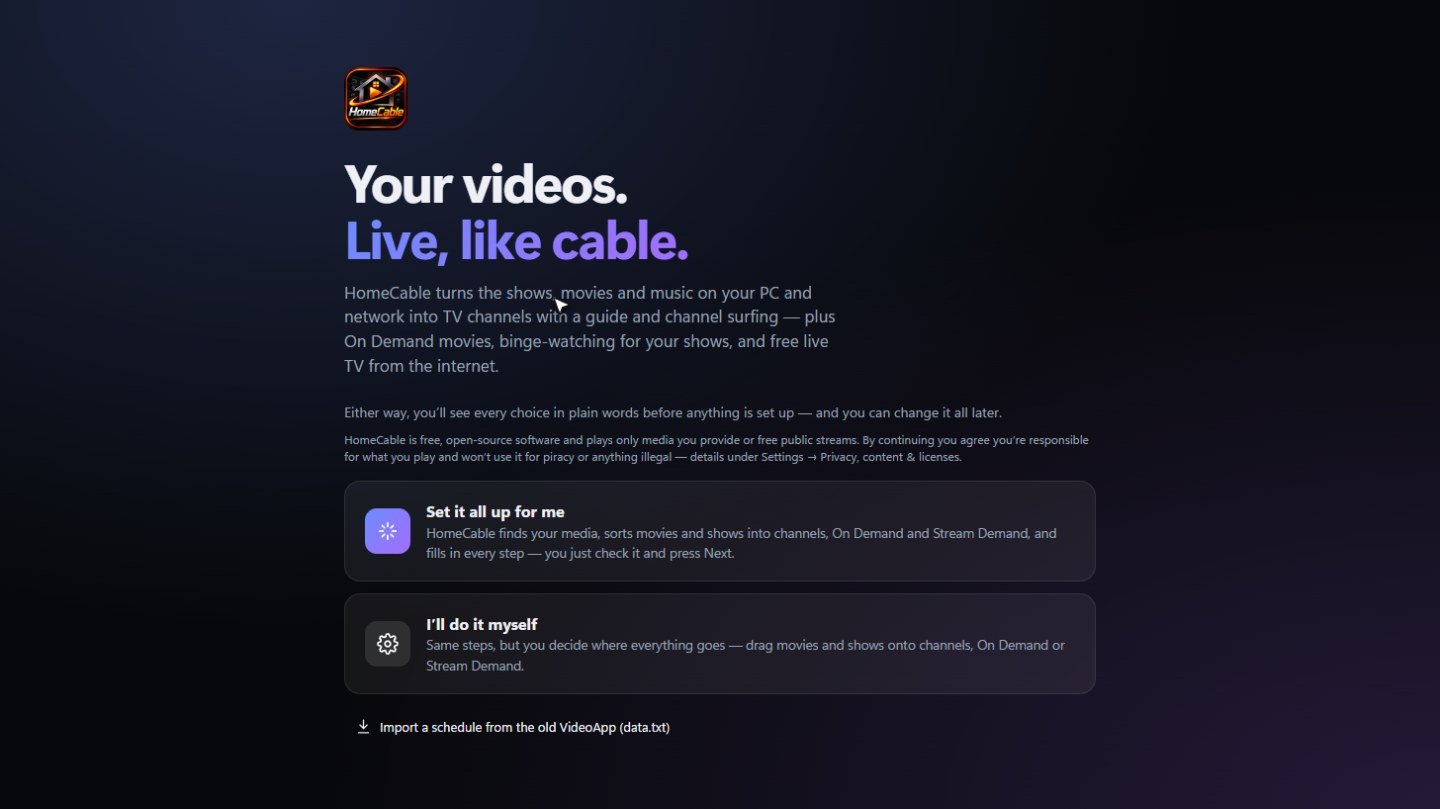
HomeCable turns the shows and movies you already own into real TV channels — schedules that never stop, a cable-style guide, channel surfing, pause & rewind — plus On Demand walls, casting, a phone app, and free live TV. No accounts. No tracking. Open source.
▶ The real first run, start to finish: install → Set it all up for me → watching TV in about two minutes. Recorded from the app with free, open-licensed films.
Streaming menus turned watching TV into homework. HomeCable brings back the other way: channels that are already playing something, a guide to flip through, and the couch feeling of just watching TV — built out of your own library. You bring the media; HomeCable brings the cable company (minus the bill).
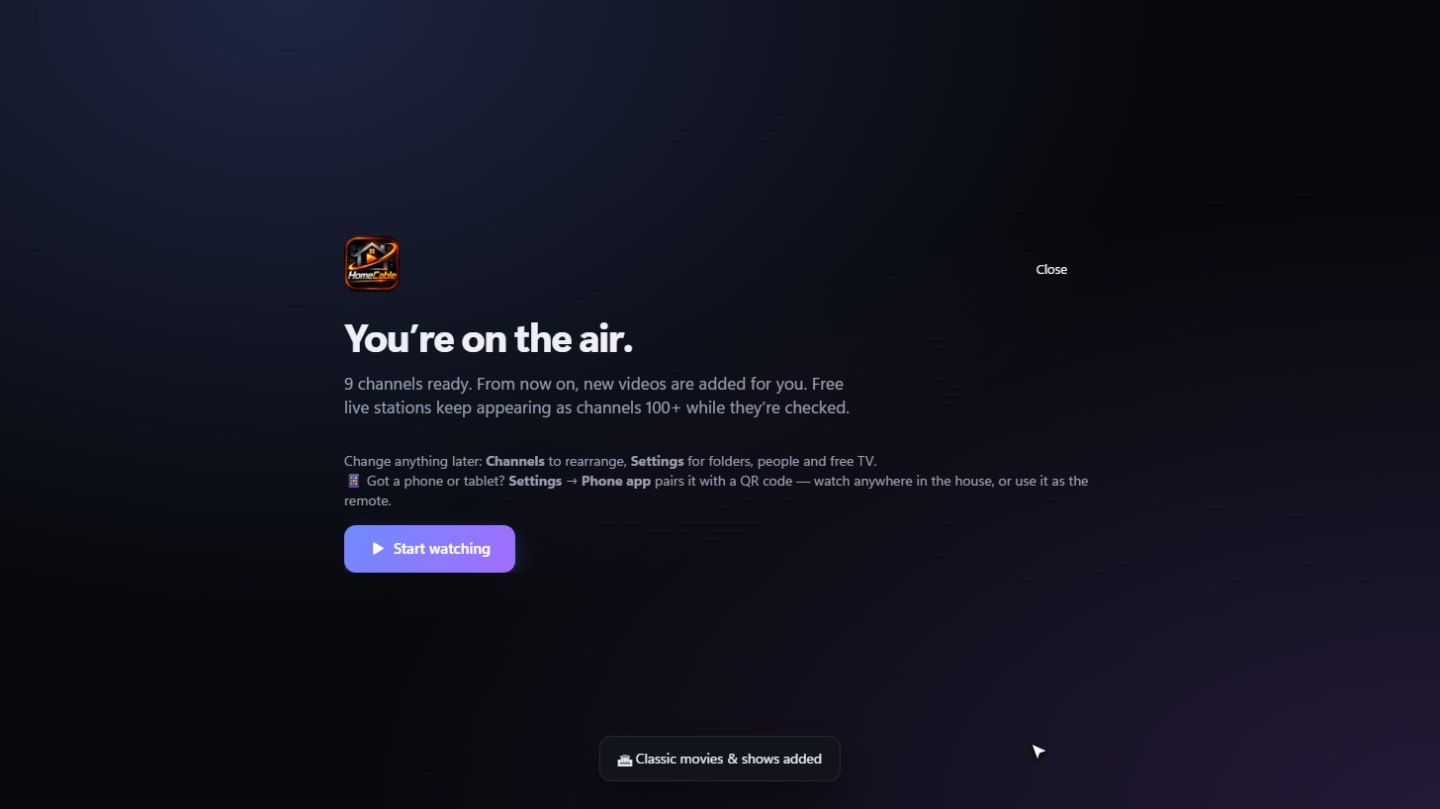
All of it works out of the box after a guided first-run setup that can configure everything for you.
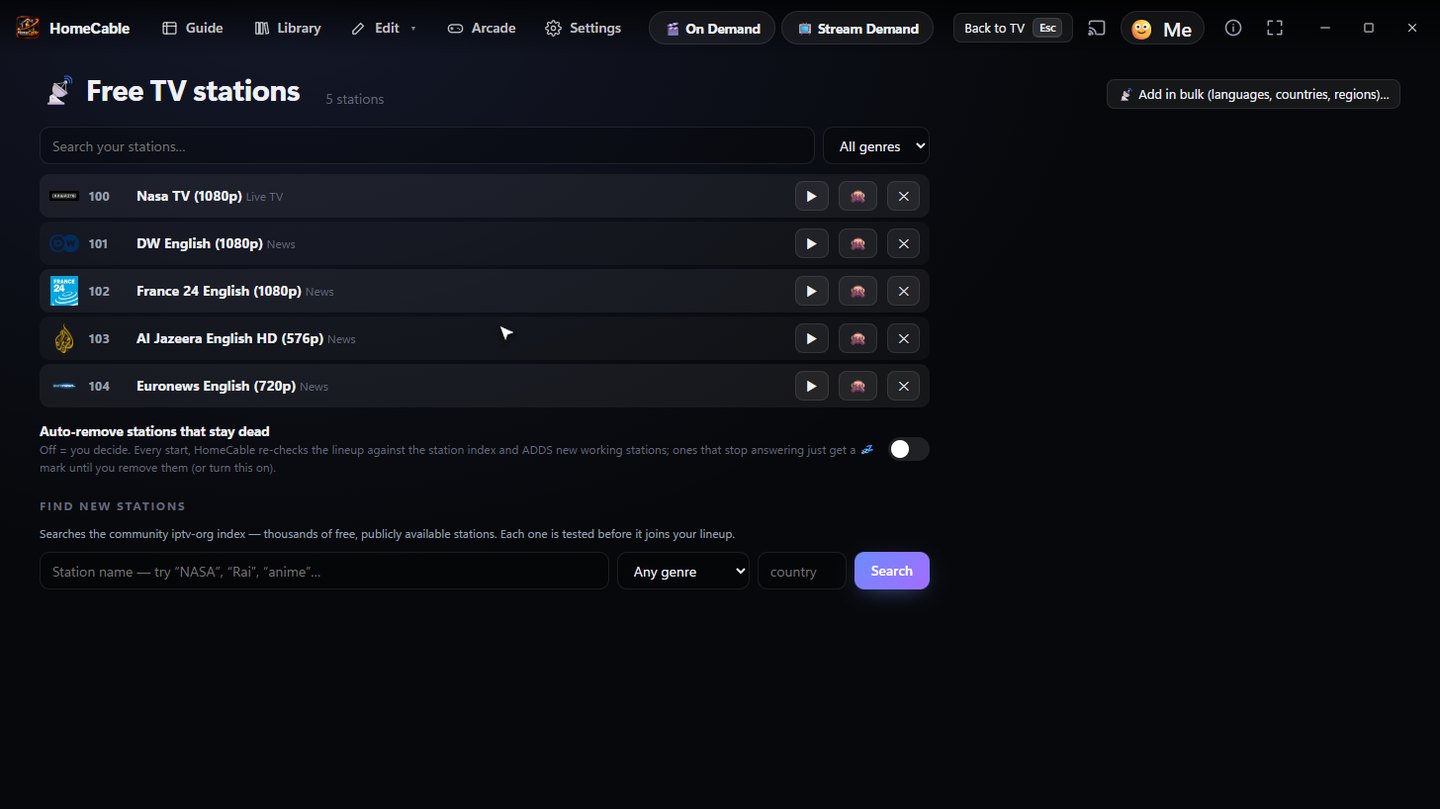
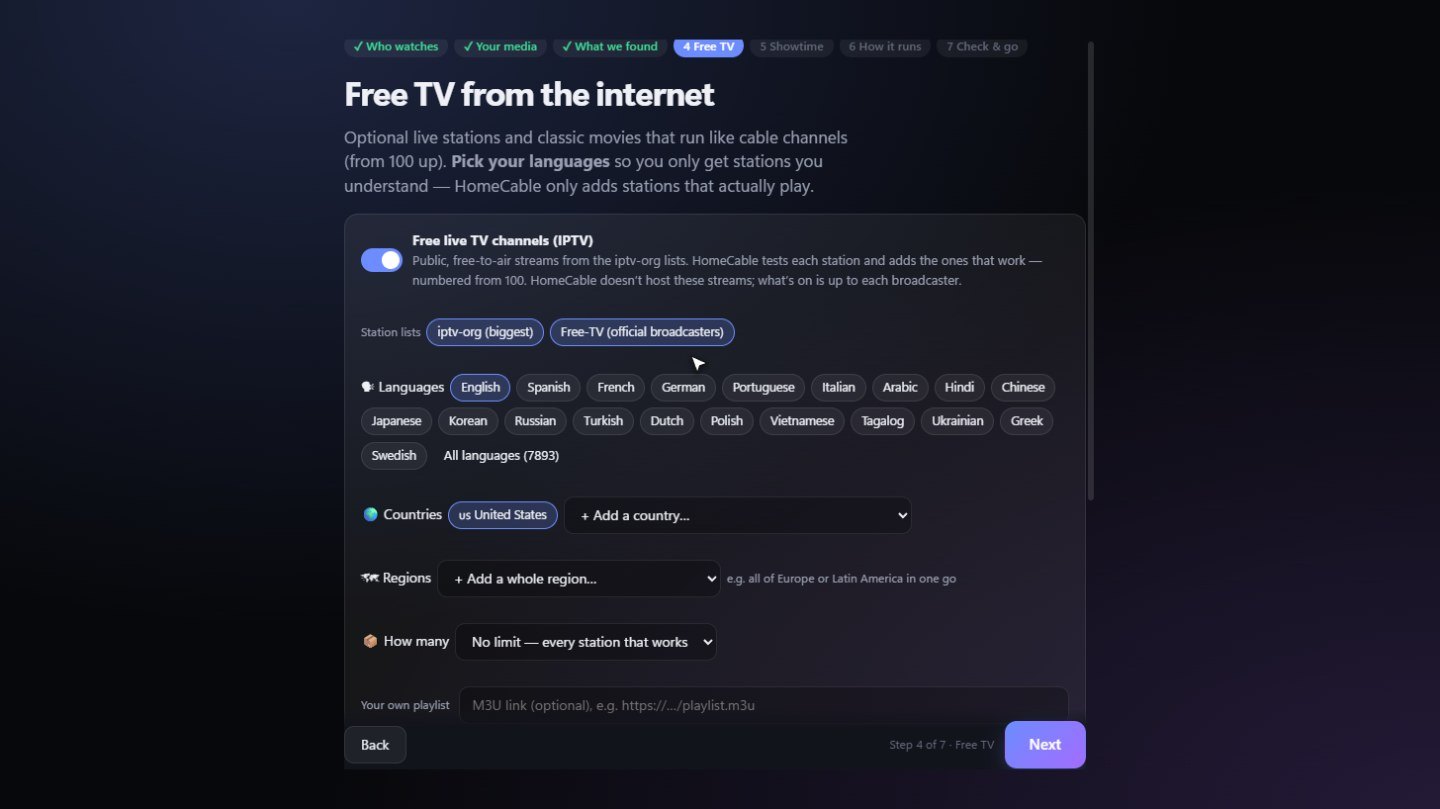
Over 10,000 free, publicly available stations from the community iptv-org index and official Free-TV broadcasters. Pick languages, countries, whole regions, genres and free anime — no limits. Every station is tested before it joins, tagged by genre, and the lineup re-syncs every start. Edit → Free TV stations lets you search the whole index, add one by one, hide or remove any.
Once a channel is playing, nothing stops it but you. Dropped streams reconnect, stalls are caught and resumed, and a station that goes quiet shows "Hang tight" and keeps trying — it's never switched away from or removed behind your back.
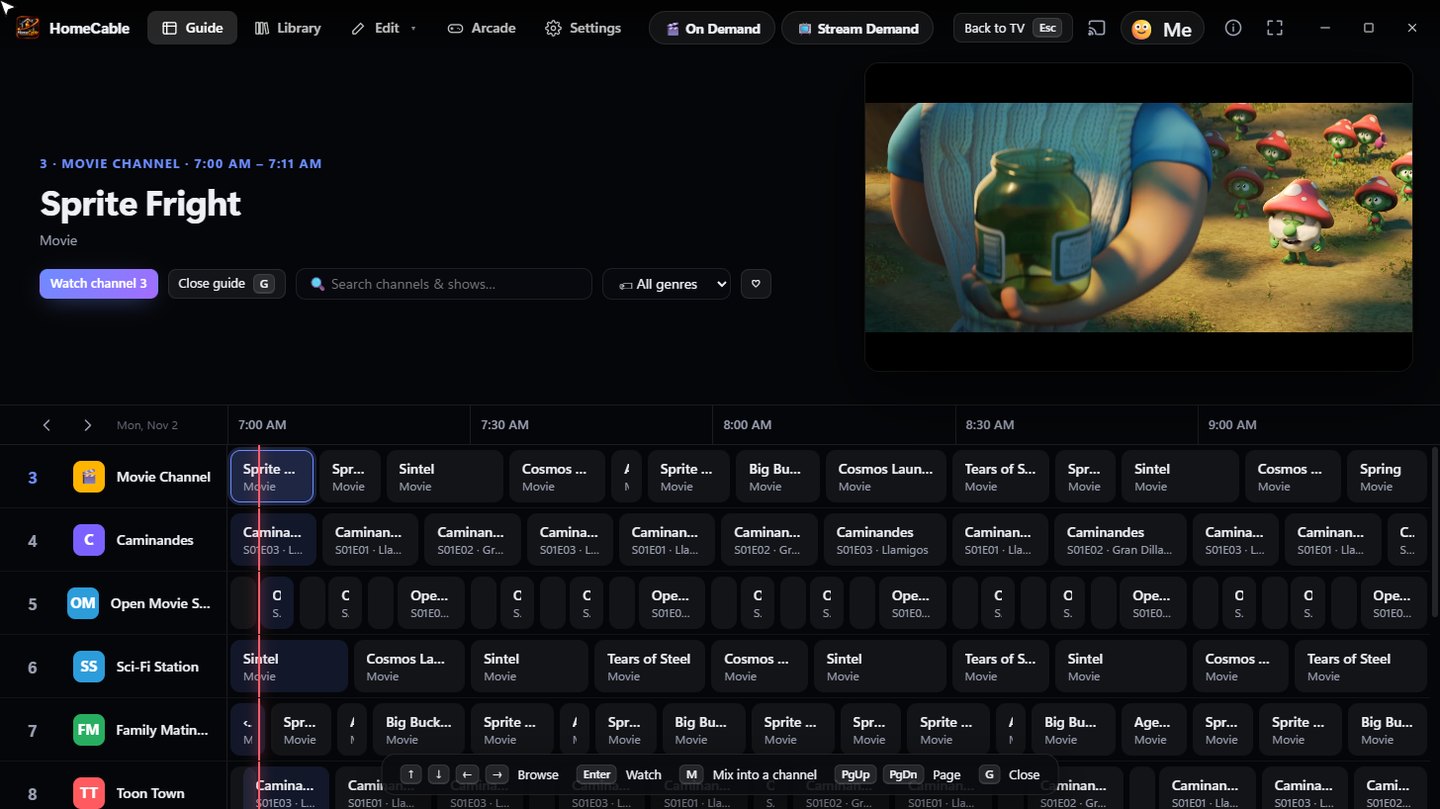
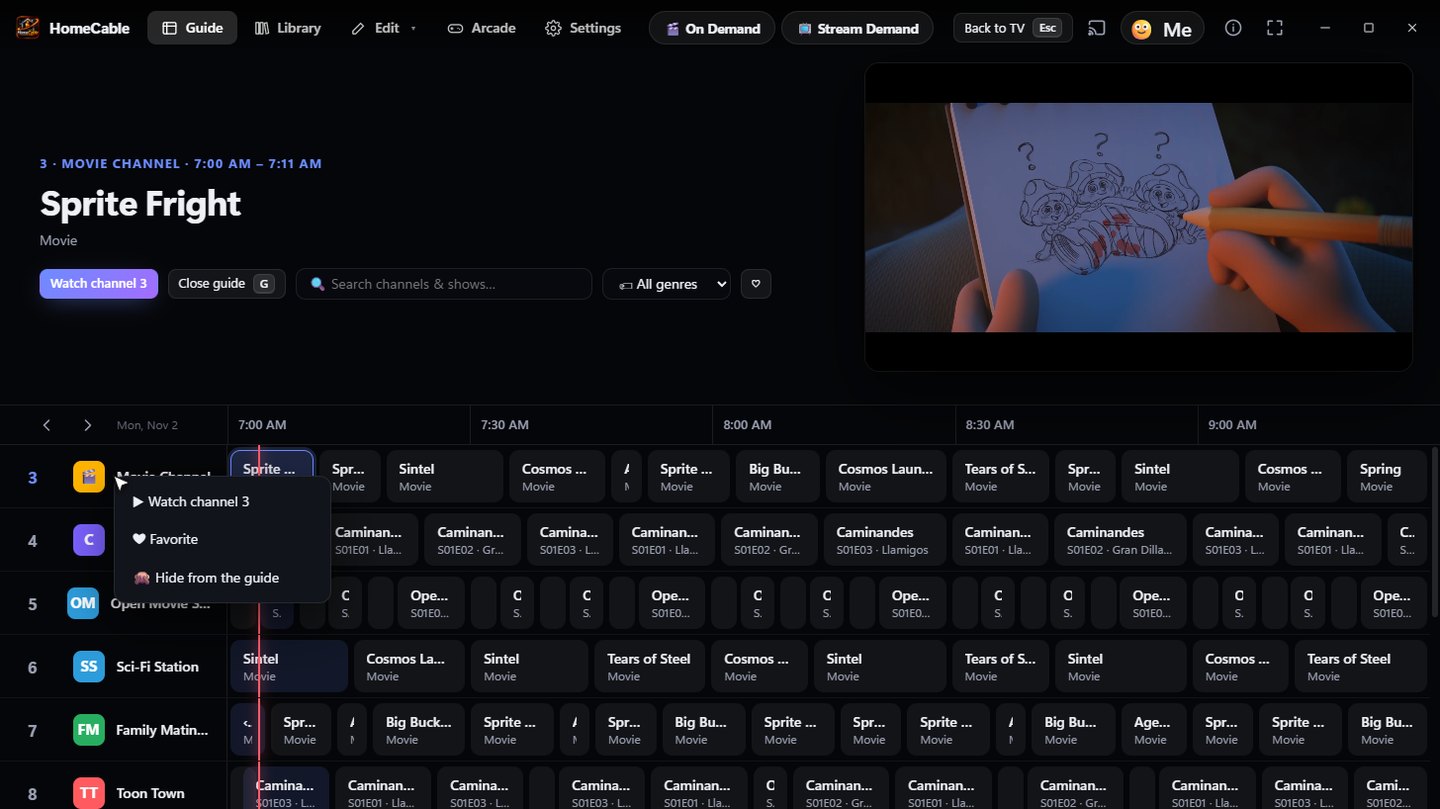
Search channels and shows, filter by genre, right-click any channel to ❤ favorite or hide it, and tap the heart to see only favorites. The guide opens right on the channel you're watching, and hover the mini player for mute and volume.
Like Discord: a little updater window at every start checks for a new version, pulls it in with a progress bar and opens HomeCable on it — no reinstalling, usually a few MB and a few seconds. Leave it running and new versions download quietly in the background; one click on Restart to update and you’re on it. A version that won’t start is rolled back by itself.
Shows start on the half hour, episodes air in order (or shuffled, or fully random — per channel). Channels keep airing while the app is closed: open it next week and the schedule has moved on, exactly on time.
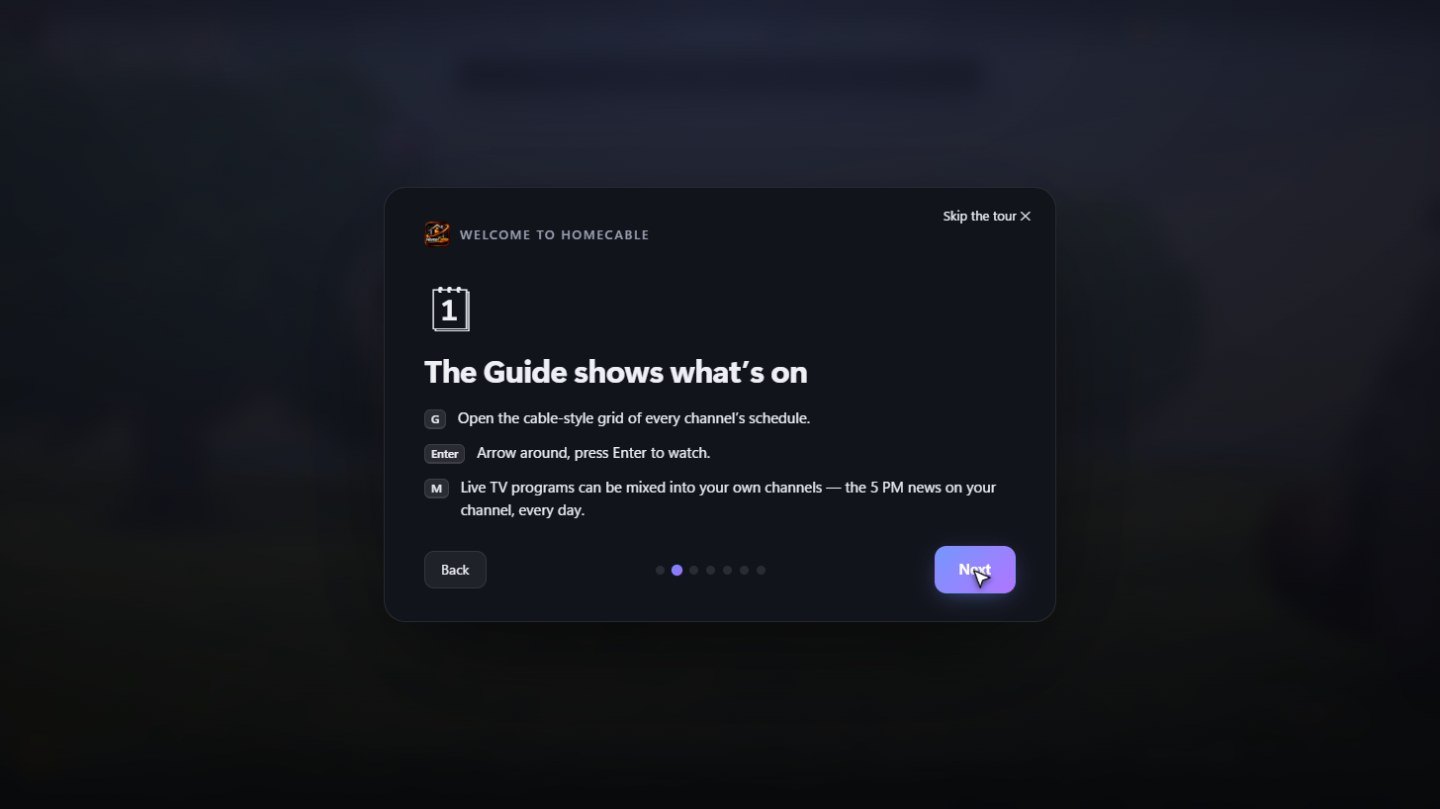
A grid guide with what's on now and next across every channel, time blocks ("Saturday Cartoons 8–11am"), and live TV programmes with real titles and times from free public guides.
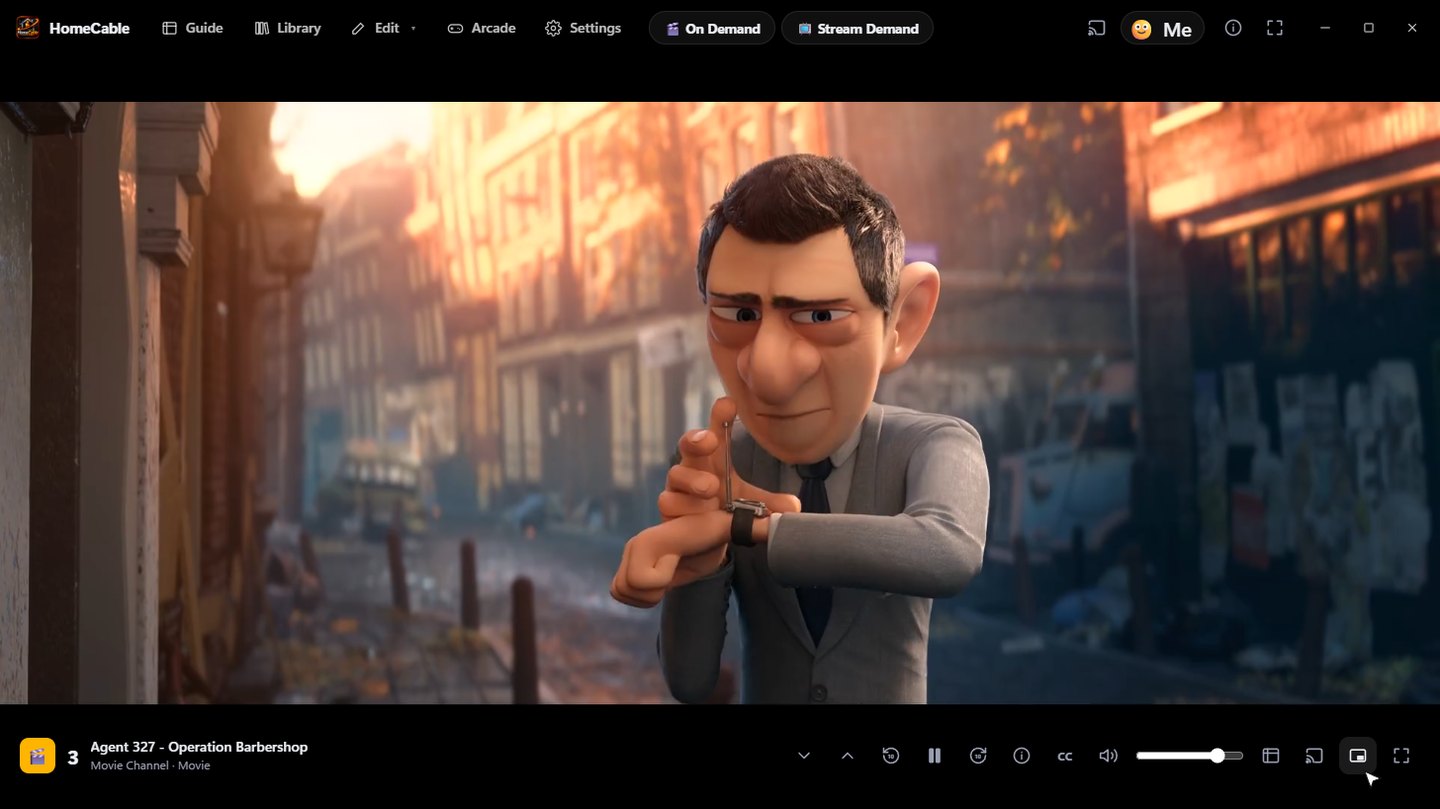
Pause, rewind and fast-forward live channels like a cable box — back as far as you've been watching, forward to live.
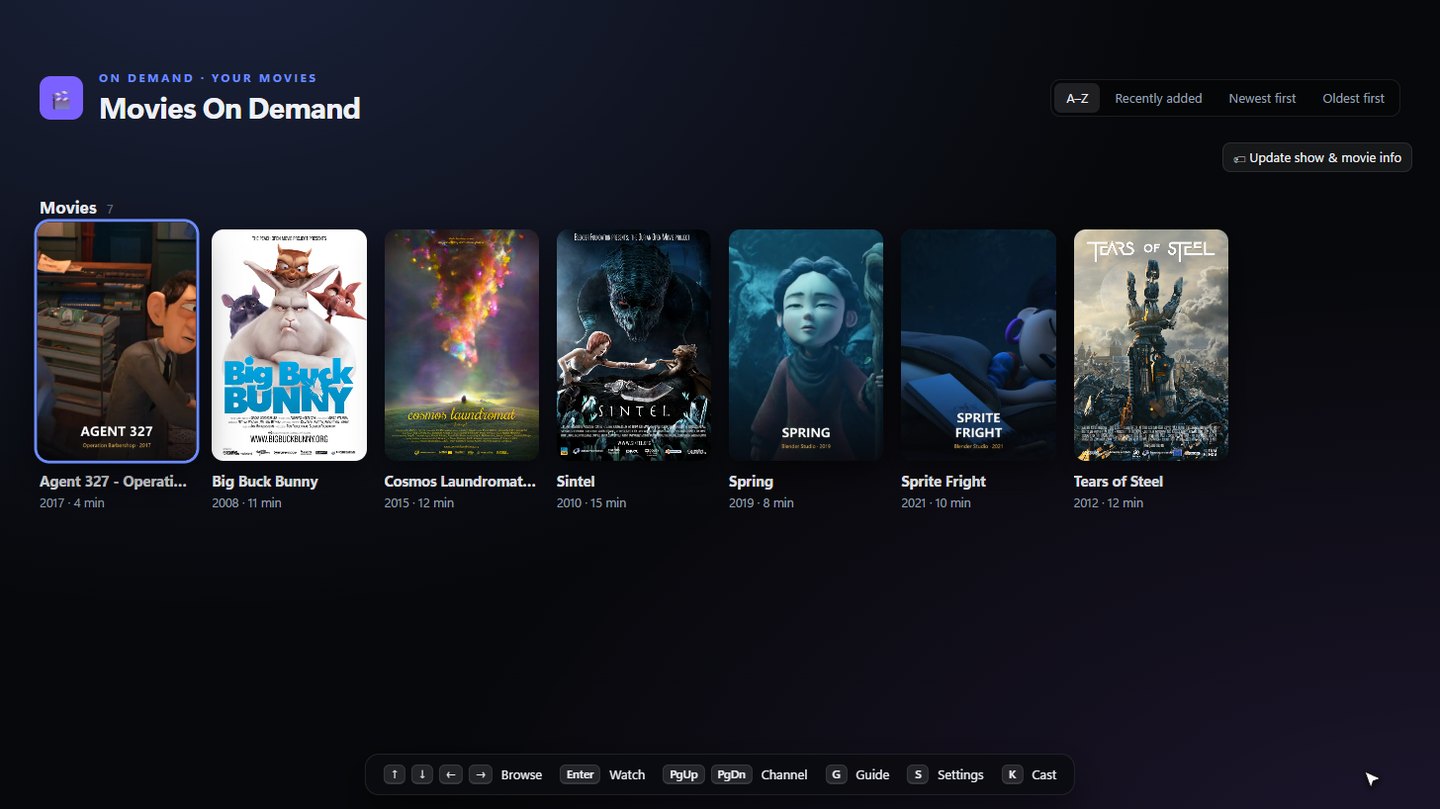
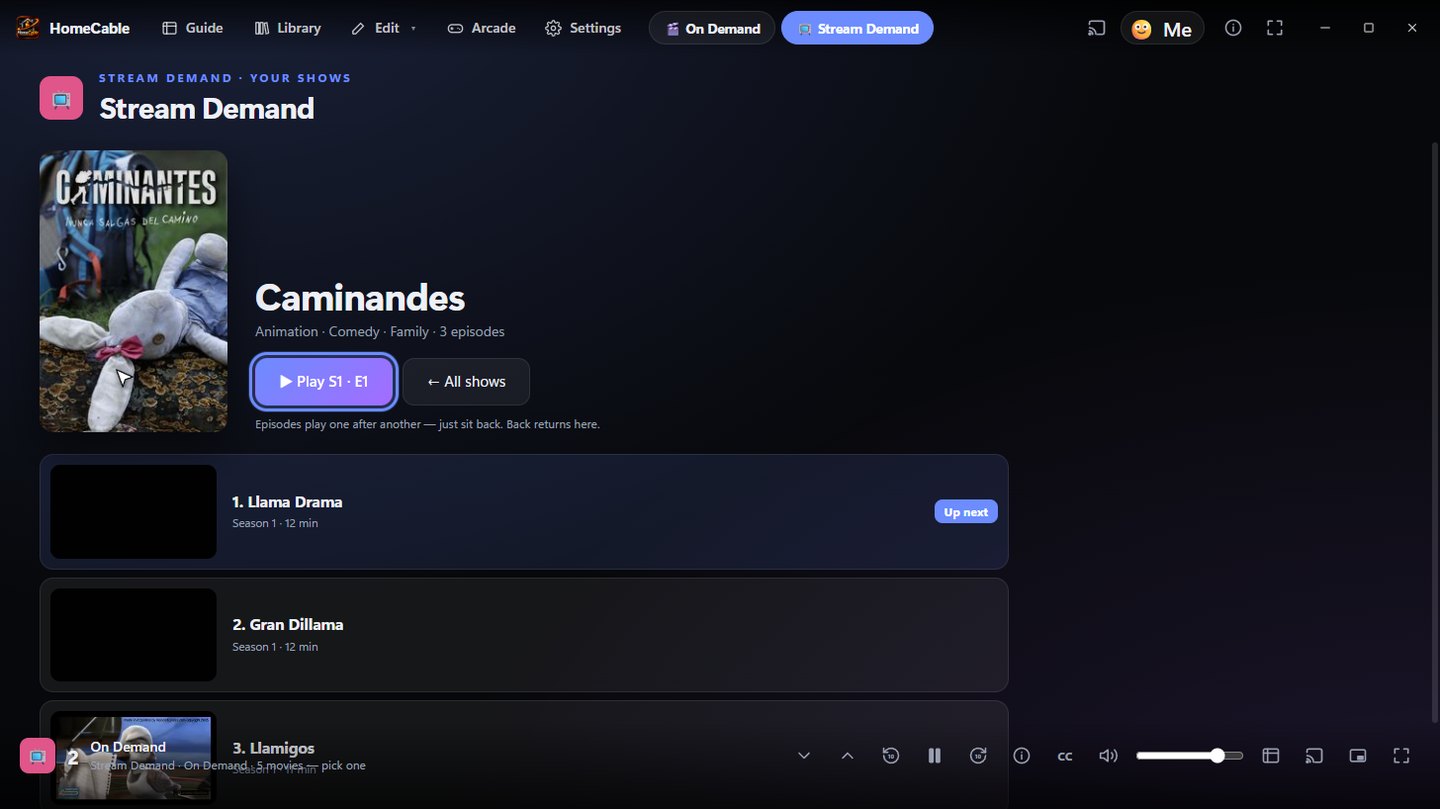
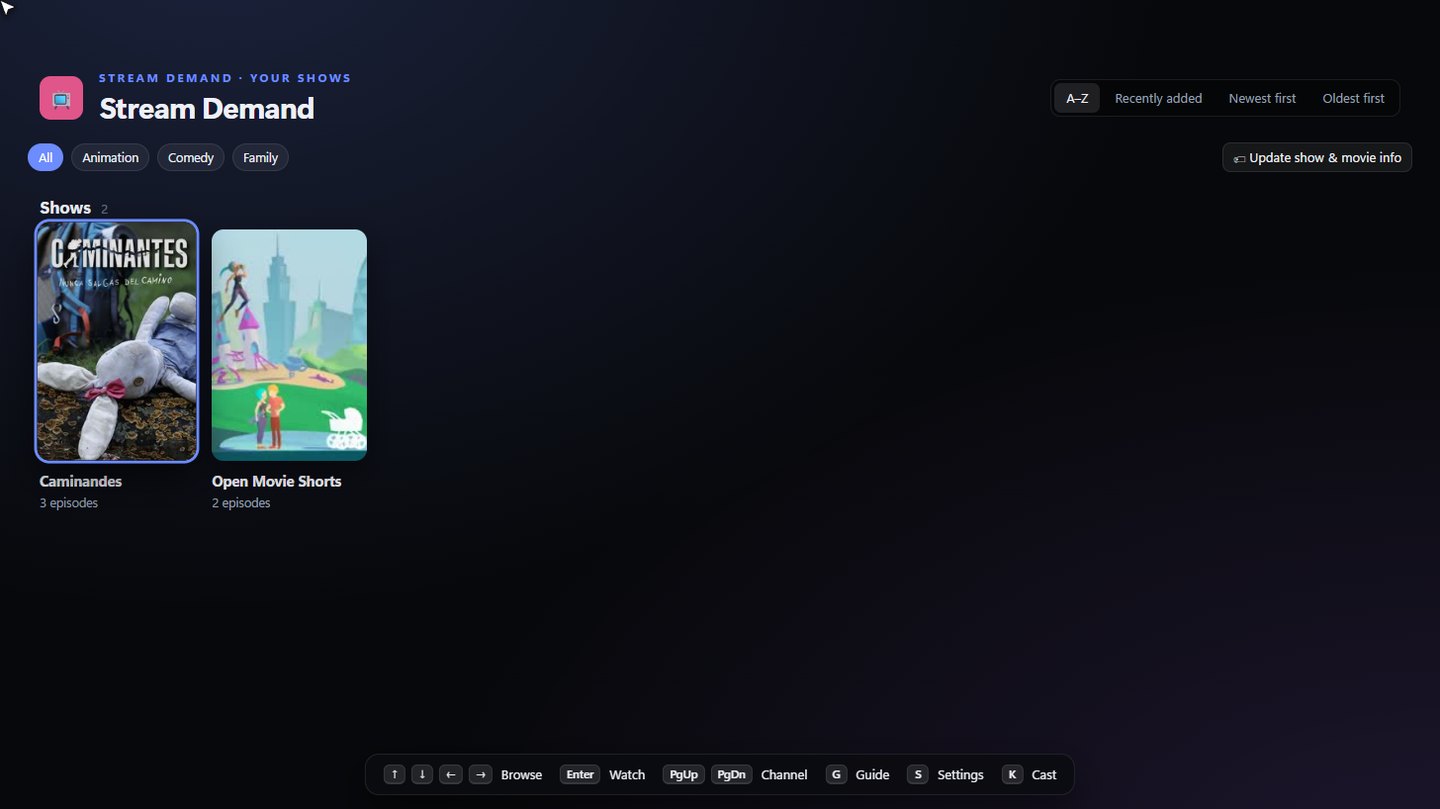
A wall of your movie posters with resume, and a binge screen for shows — seasons, episodes, "Continue S2 · E4", and the next episode plays itself. Leave either one and you land back on the channel you were watching, like a real cable box.
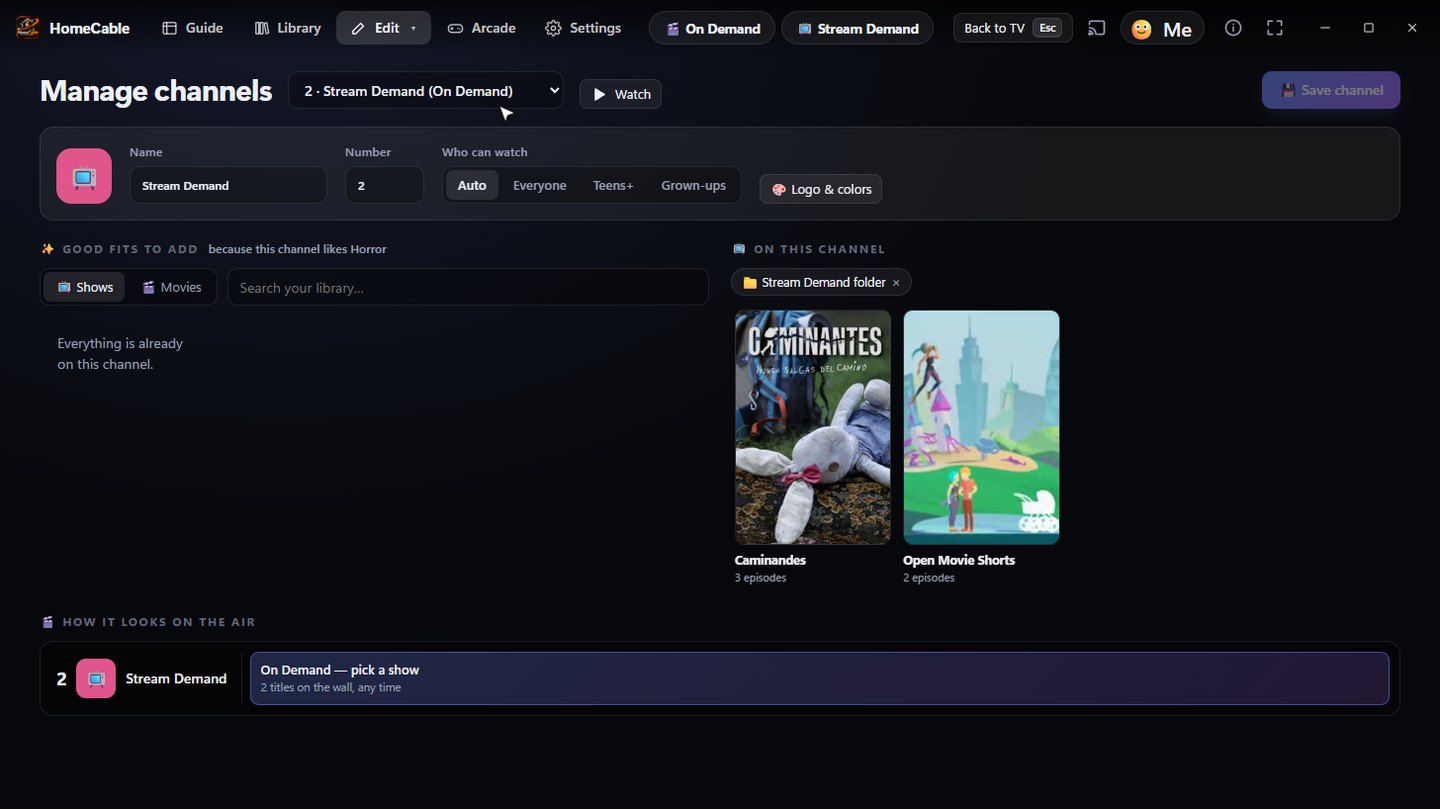
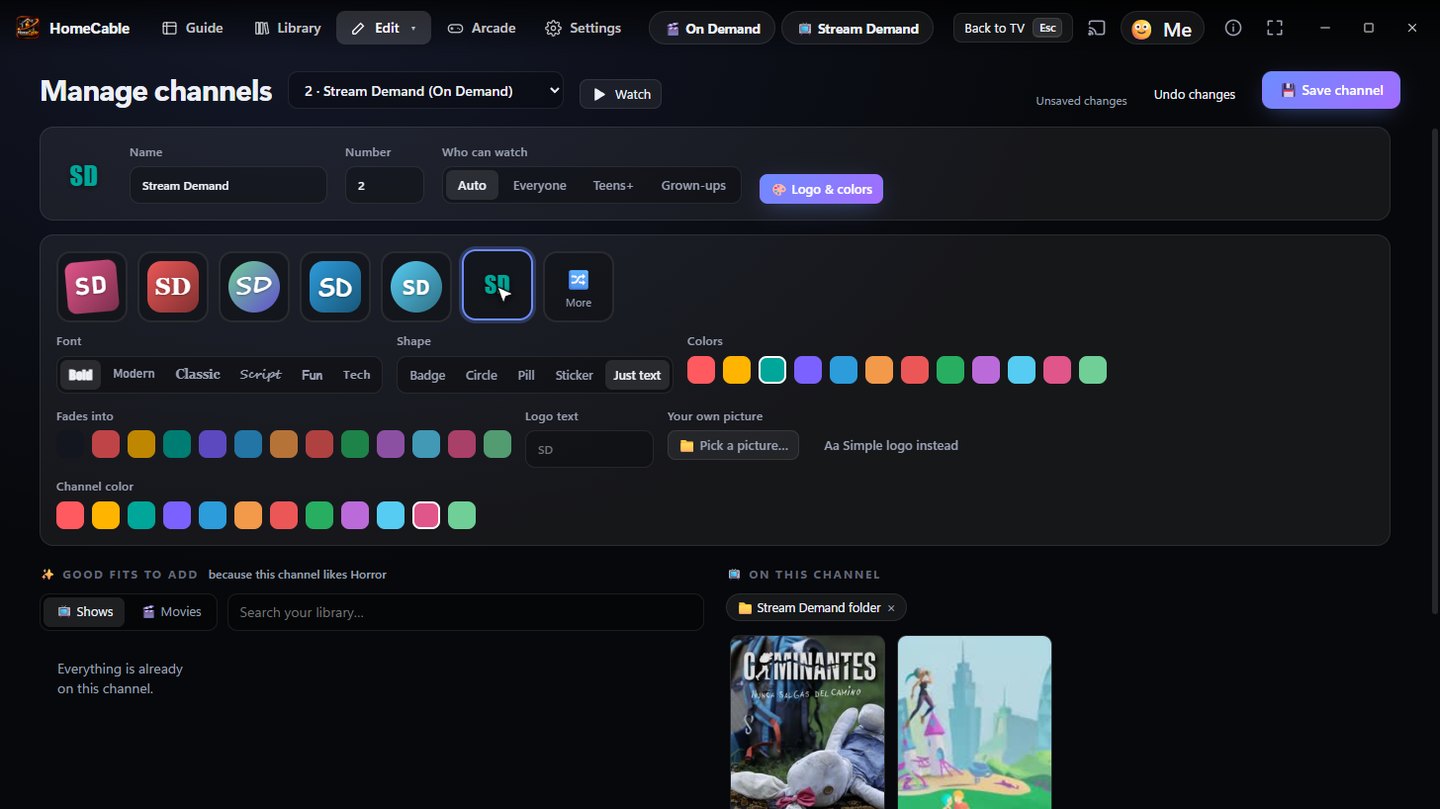
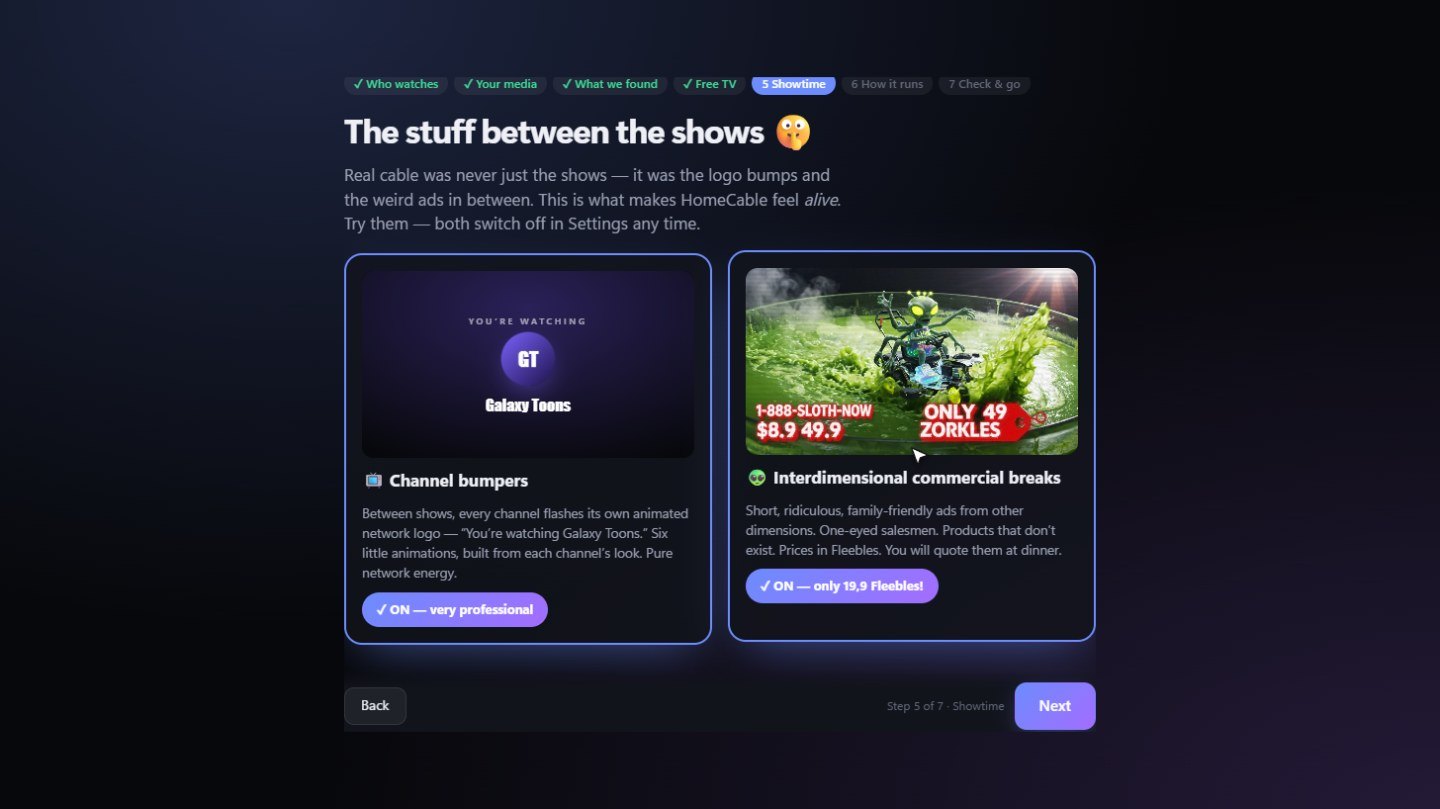
Every channel gets its own network mark — ready-made looks, fonts, shapes, colors, or your own picture. Between shows the channel plays a few seconds of its own animated logo bump, just like real networks.
On out of the box (the setup hands you the off switch): short, family-friendly interdimensional joke ads between shows shipped inside the app. They play between your OWN shows only — live TV streams are never touched. Add your own ad packs — a pack is just a folder of short videos, each with its own switch.
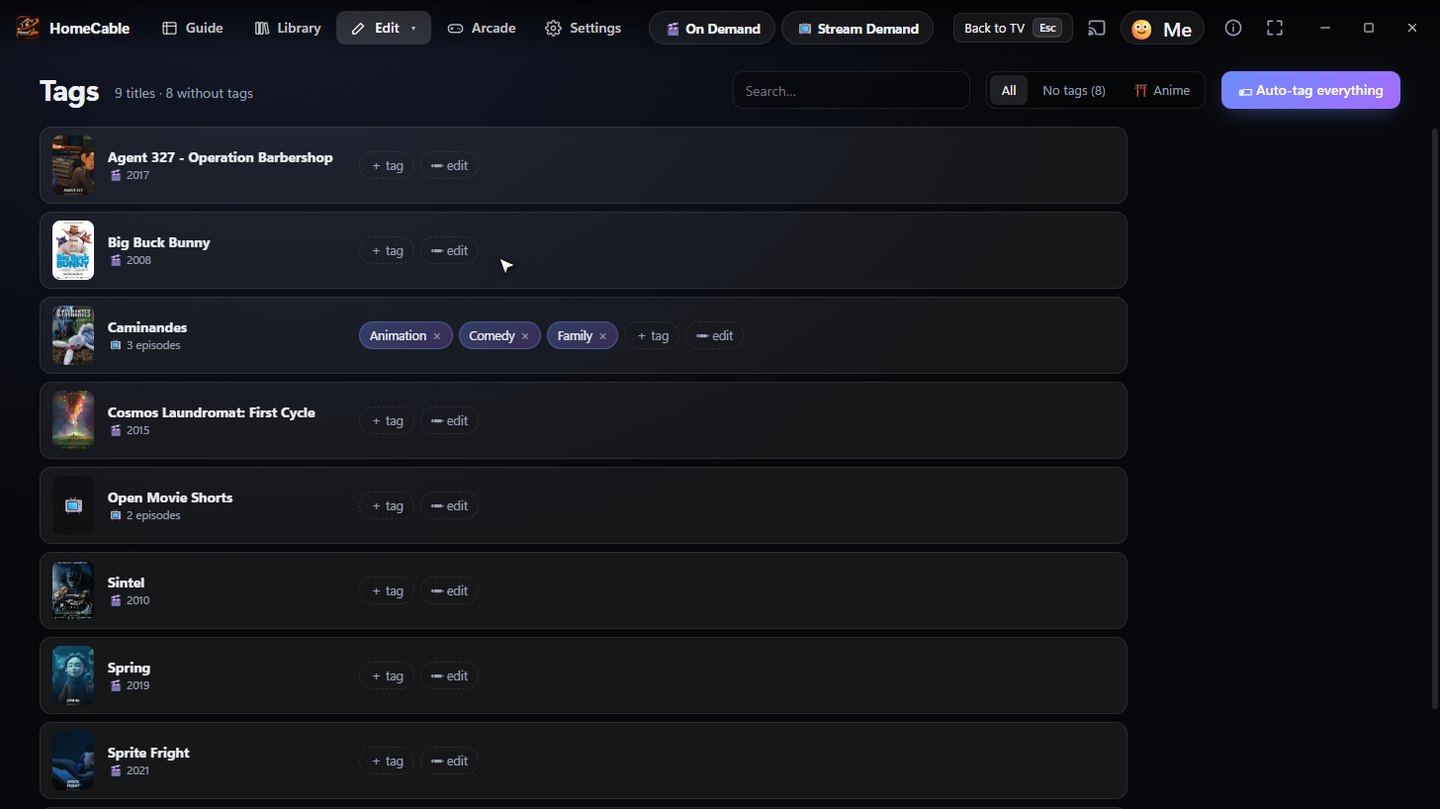
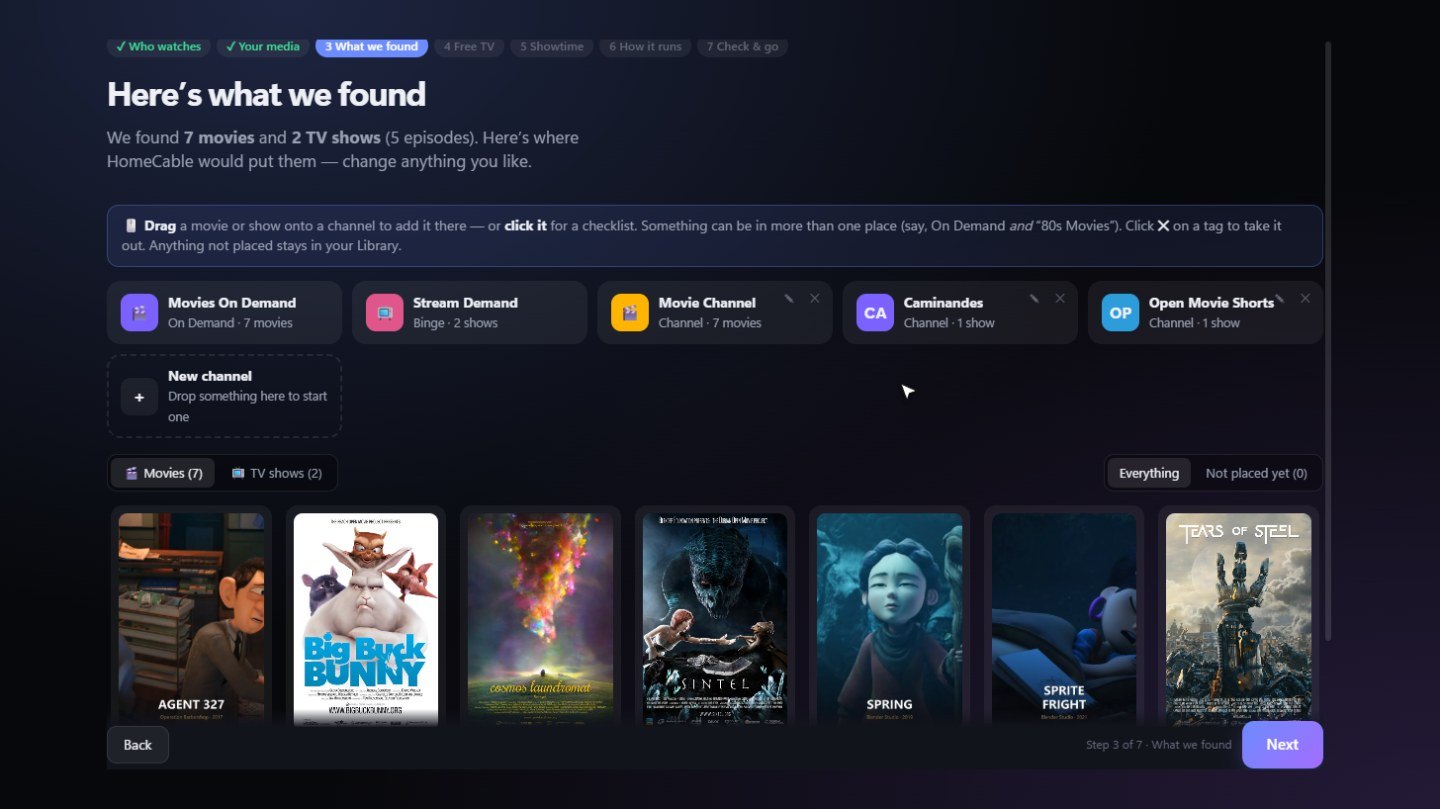
One click looks everything up by name (titles only): posters, genres, correct names, anime detection with the tags fans sort by, and true airing order so OVAs land between the right seasons.
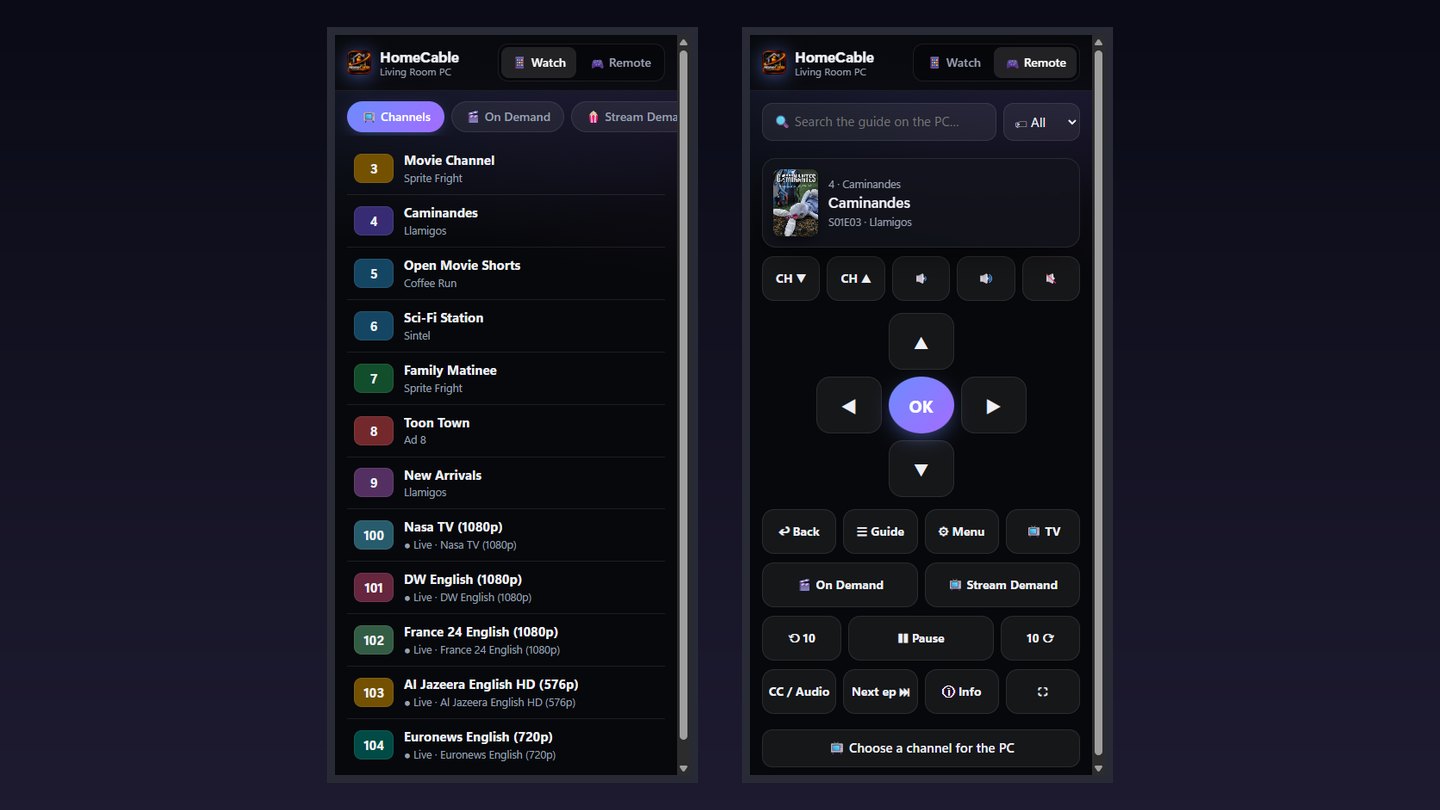
Cast to Chromecast / Google TV. Pair phones with a QR code to watch anywhere in the house, or use one as a full remote — with the real guide, search and genres right on the phone. No PC around? The Android app runs free TV by itself and casts to any TV on the Wi-Fi you're on.
Kids only see kid-friendly channels, teens see more, grown-ups see everything. PIN, password or controller-combo locks — plus a password-locked private section that stays out of every list.
Auto-subtitles when the audio isn't your language, per-show audio and subtitle memory, skip-intro for anime, and live captions generated entirely on your own PC.
Keyboard, mouse, or Xbox / PS5 controller for everything — plus a pop-out always-on-top mini player, fullscreen TV mode, and four built-in retro arcade games for the ad breaks of life.
Short clips captured from the real app, running only free, open-licensed films.


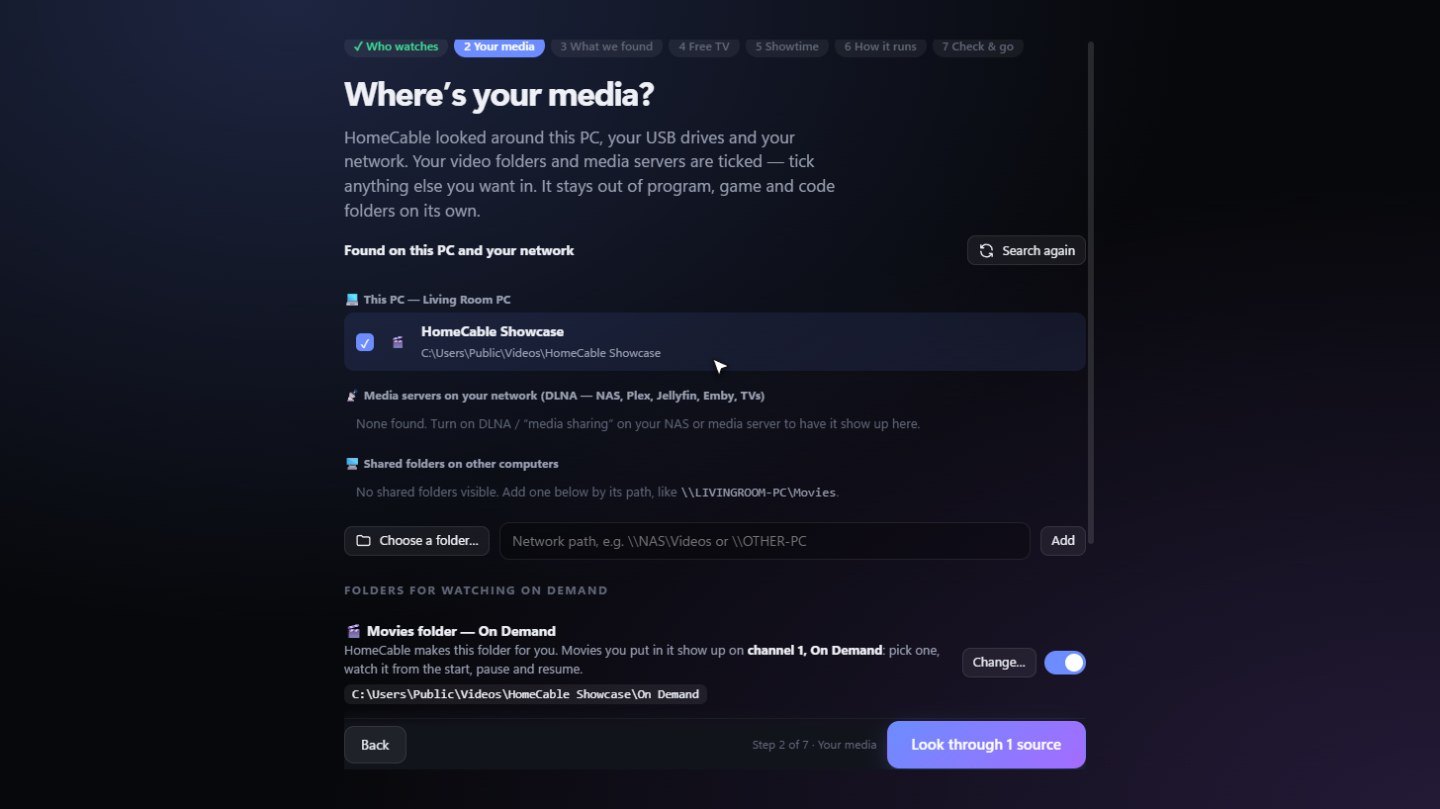
Every choice in plain words before anything happens — or let it do everything for you.


✅ Windows 10/11 (64-bit) — the full app ✅ Android phones & tablets — remote + player for your PC, and free TV on its own ✅ Chromecast / Google TV — casting 🔜 Fire TV / Android TV app — roadmap 🔮 iOS — future
The PC is the heart of the system: it holds your library, builds the schedules, and serves every phone and TV in the house. Phones pair once with a QR code; nothing is ever opened to the internet.
HomeCable-Setup-<version>.exe from Releases and run it. Agree to the fair-use terms (it won't install without them).Unsigned installer: Windows SmartScreen may warn on first run — choose "More info → Run anyway". Code signing is on the roadmap.
No. HomeCable is a player: it hosts and provides no media. It plays files you have the right to play, plus free public streams and public-domain archives. The installer requires agreeing to exactly that, and what you play is your responsibility.
Only for optional features — show info and posters (titles only are sent), free live TV, and TV guides. Your library, viewing and settings never leave your PC. No accounts, no telemetry, no tracking, ever.
Basically everything — MP4, MKV, AVI, WMV, MOV, MPEG, TS, FLV, HEVC and more. Anything the player can't decode natively is converted on the fly by the bundled FFmpeg.
This PC, USB drives, network shares, NAS boxes, and DLNA media servers (Plex, Jellyfin, Emby and friends). Drop new files in your folders and they just appear.
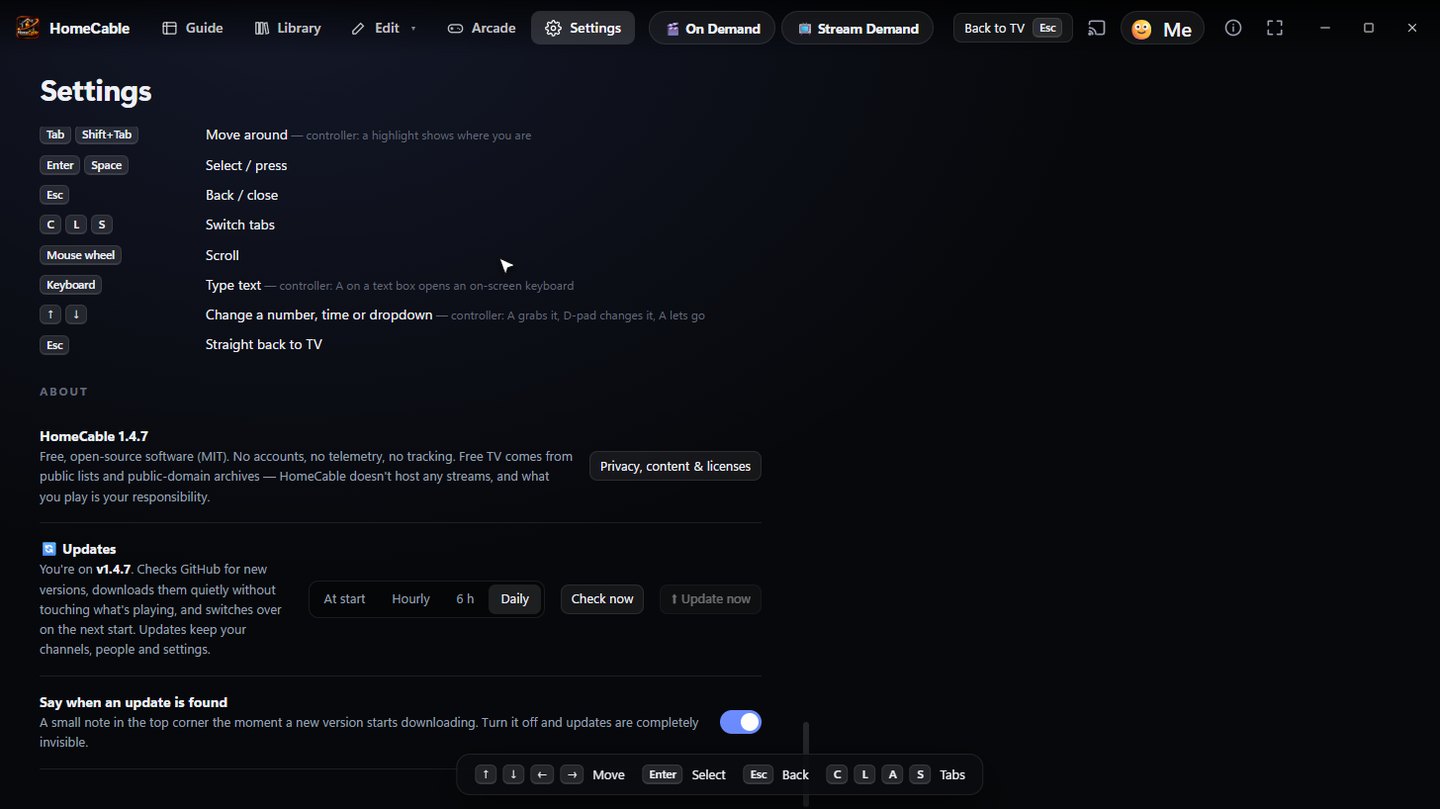
Every start, a small updater window checks GitHub Releases. If there’s a new version it downloads just the app itself (a few MB) with a progress bar, checks it isn’t damaged, and opens HomeCable on it — nothing is uninstalled or reinstalled, and Windows’ Installed apps shows the new version number. While HomeCable runs it also checks quietly (hourly, every 6 hours or daily) and offers Restart to update. If a new version ever fails to start, HomeCable goes back to the one that worked. Only when Electron itself changes (rare) does it run the full installer — silently, from the same window. Channels, people and settings are always kept. Prefer instant starts? Settings → Updates → turn off “Check when HomeCable starts”.
It keeps trying while you watch, and the lineup re-checks itself every start: stations that answer stay, new ones join, and ones that stay silent get a 💤 mark. Removing them is your call — one button in Edit → Free TV stations (or turn on auto-remove).
Windows-only today. The app is Electron-based, so other desktops are possible later — the phone side already works with any Android device.
Issues, ideas and pull requests are welcome — the repo has build instructions (it's npm install → npm start), unit tests and end-to-end tests that drive the real app. If you make something fun — an ad pack, a channel look — share it.
HomeCable's free live TV stands on the shoulders of iptv-org — a community-run, always-updating index of thousands of publicly available IPTV stations, kept fresh by its maintainers and hundreds of contributors. Thank you for keeping free TV free. Thanks also to the free public guide sources (epg.pw, i.mjh.nz), the Internet Archive for the public-domain classics, and TVmaze & Wikipedia for show & movie info.
Demo footage on this page: Tears of Steel, Cosmos Laundromat, Spring, Sprite Fright, Agent 327: Operation Barbershop, Coffee Run, Charge, Sintel, Big Buck Bunny and Caminandes — © Blender Foundation / Blender Studio, CC BY (studio.blender.org). Live stations shown: official free streams from NASA, DW, France 24, Al Jazeera and Euronews. No one's personal media was used.