Windows says "Windows protected your PC". Is it safe?
The installer isn't code-signed (that costs hundreds of dollars a year), so Windows warns about it. Click More info → Run anyway. The full source code is on GitHub.
How do I install the Android app?
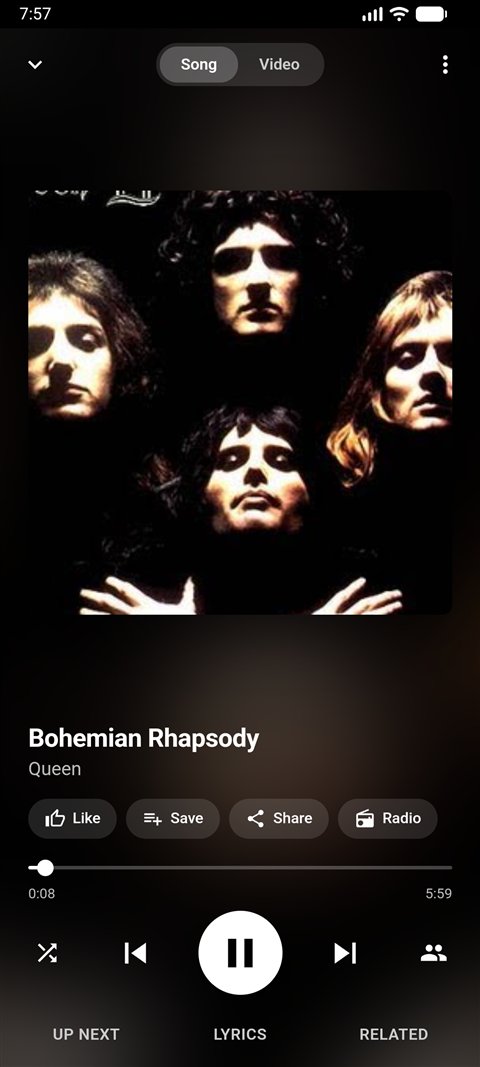
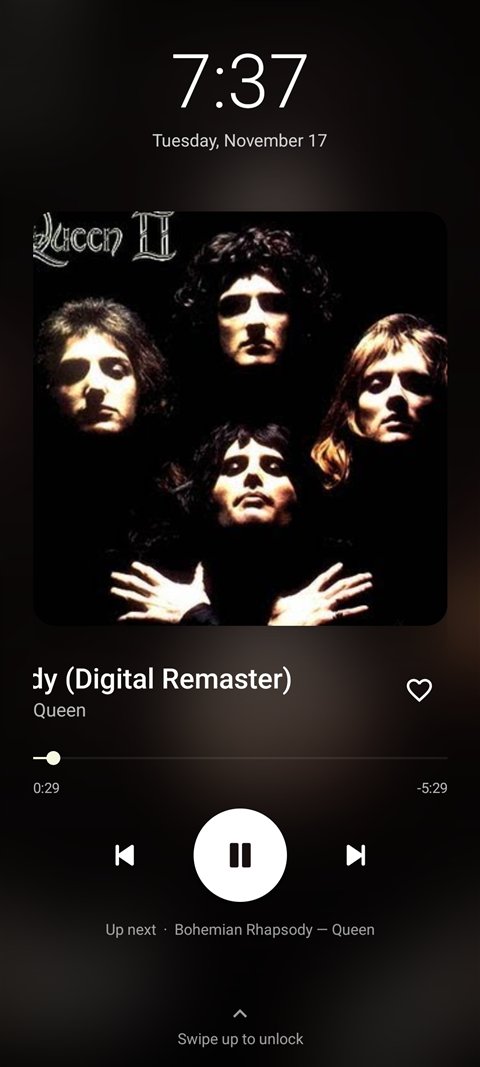
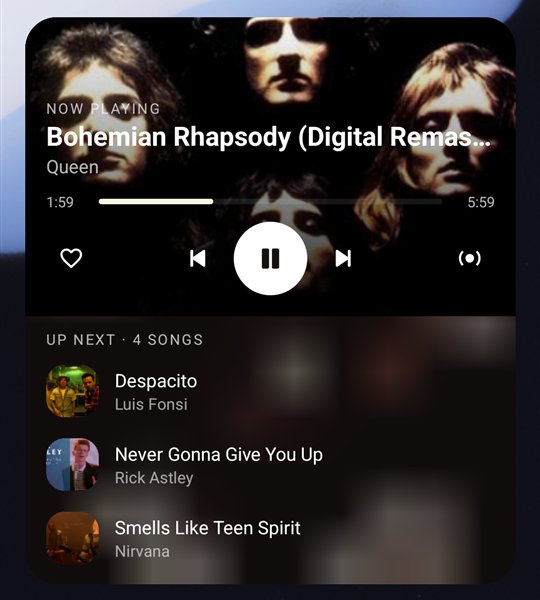
On your phone, tap Download for Android and open the file. Android asks you to allow installing from your browser the first time; say yes. On first launch, allow Wavelength to run in the background (so music never stops) and turn on full screen notifications (for the lock screen player). It isn't on Google Play, so Play Protect may ask you to confirm. New versions appear as a banner in the app: tap Update. To add the widget, long-press your home screen → Widgets → Wavelength.
Do I need YouTube Music Premium?
No. Sign in with any Google account, or don't sign in at all and still play music and join rooms.
Does closing the window stop the music?
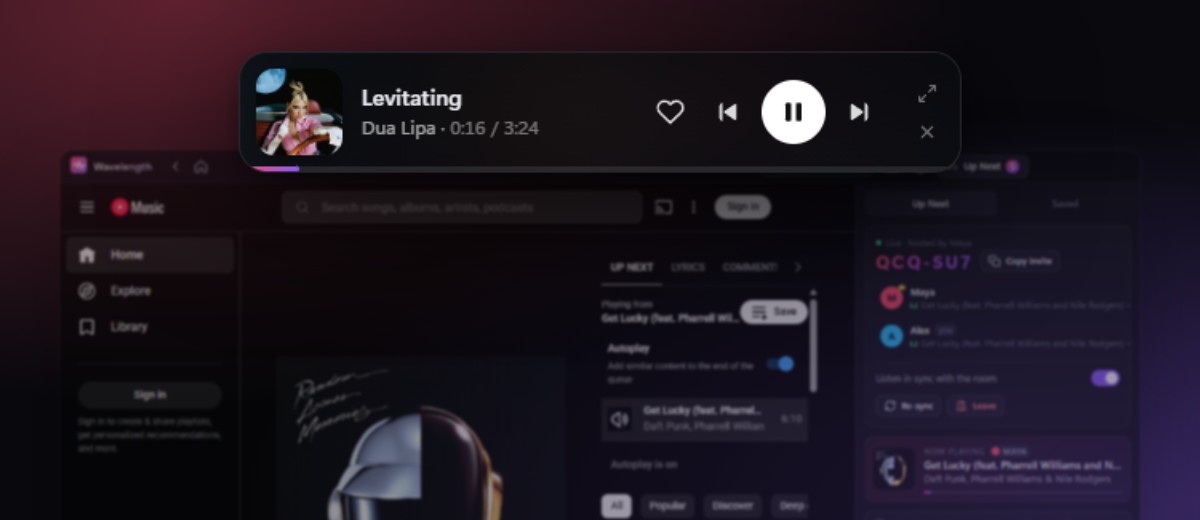
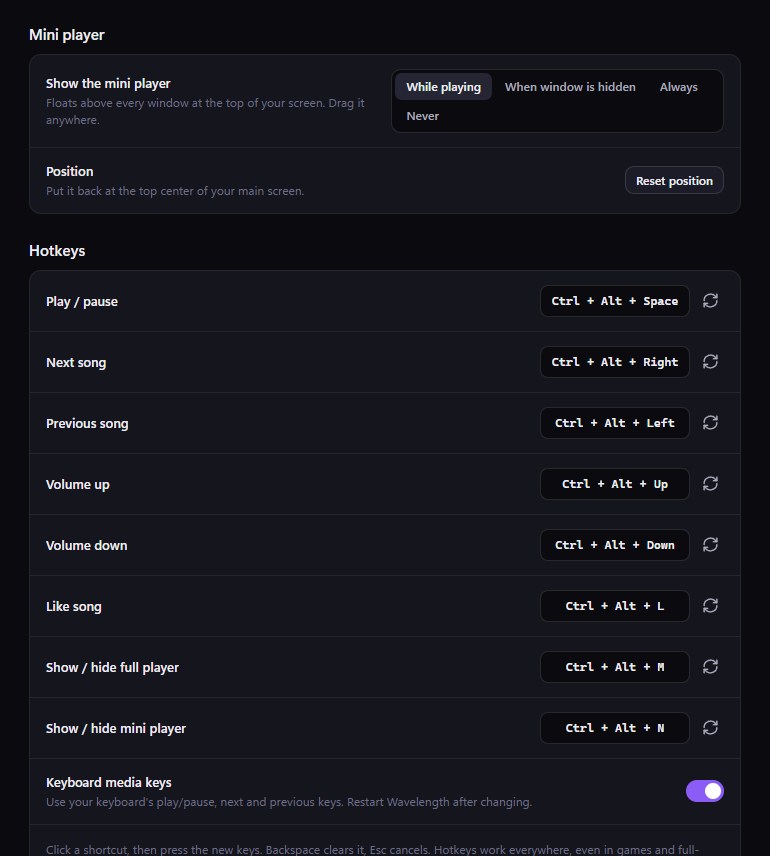
No. Wavelength keeps playing in the system tray. Right-click the tray icon to quit. You can turn this off in Settings.
How do rooms connect? Does anything go through a server?
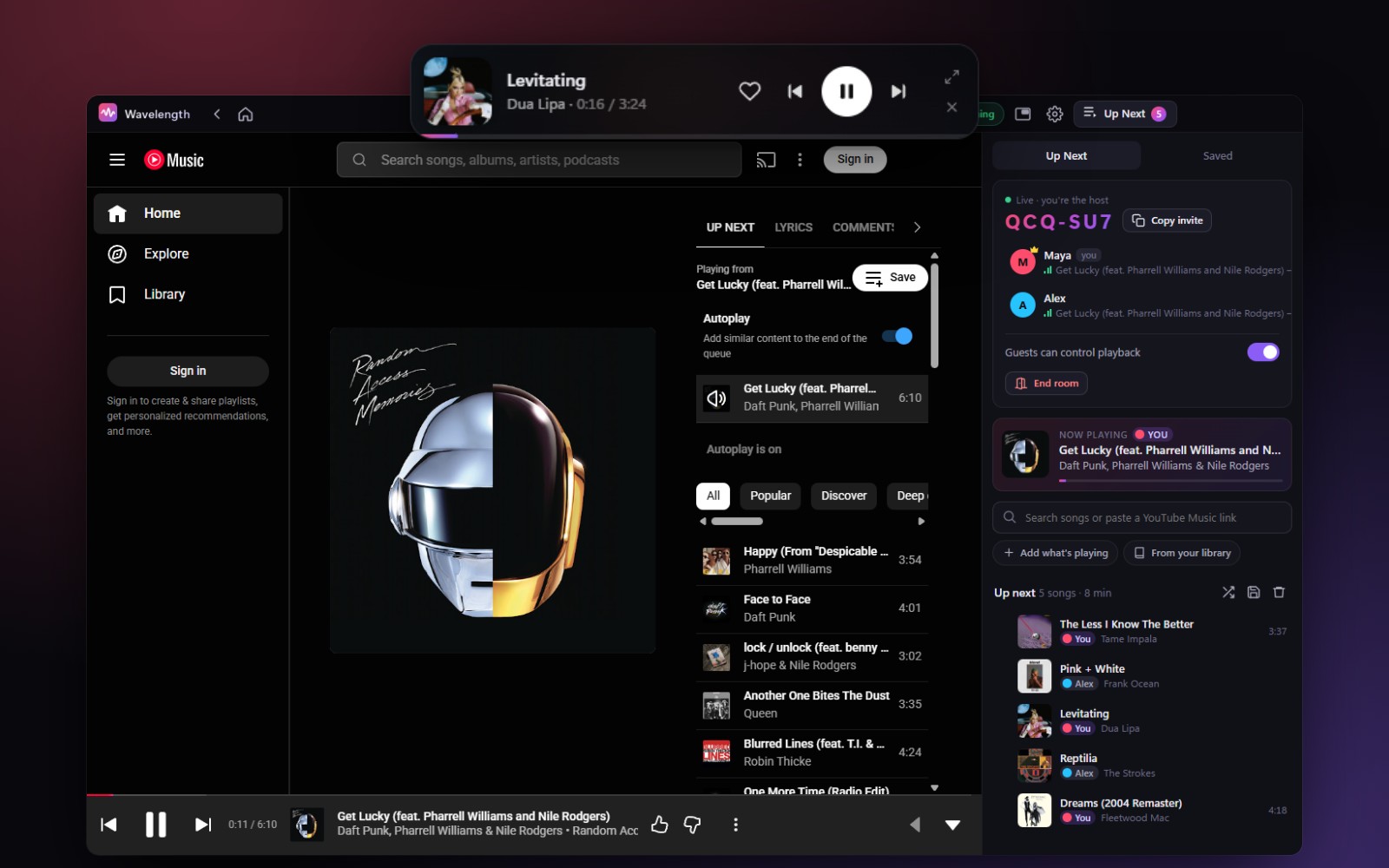
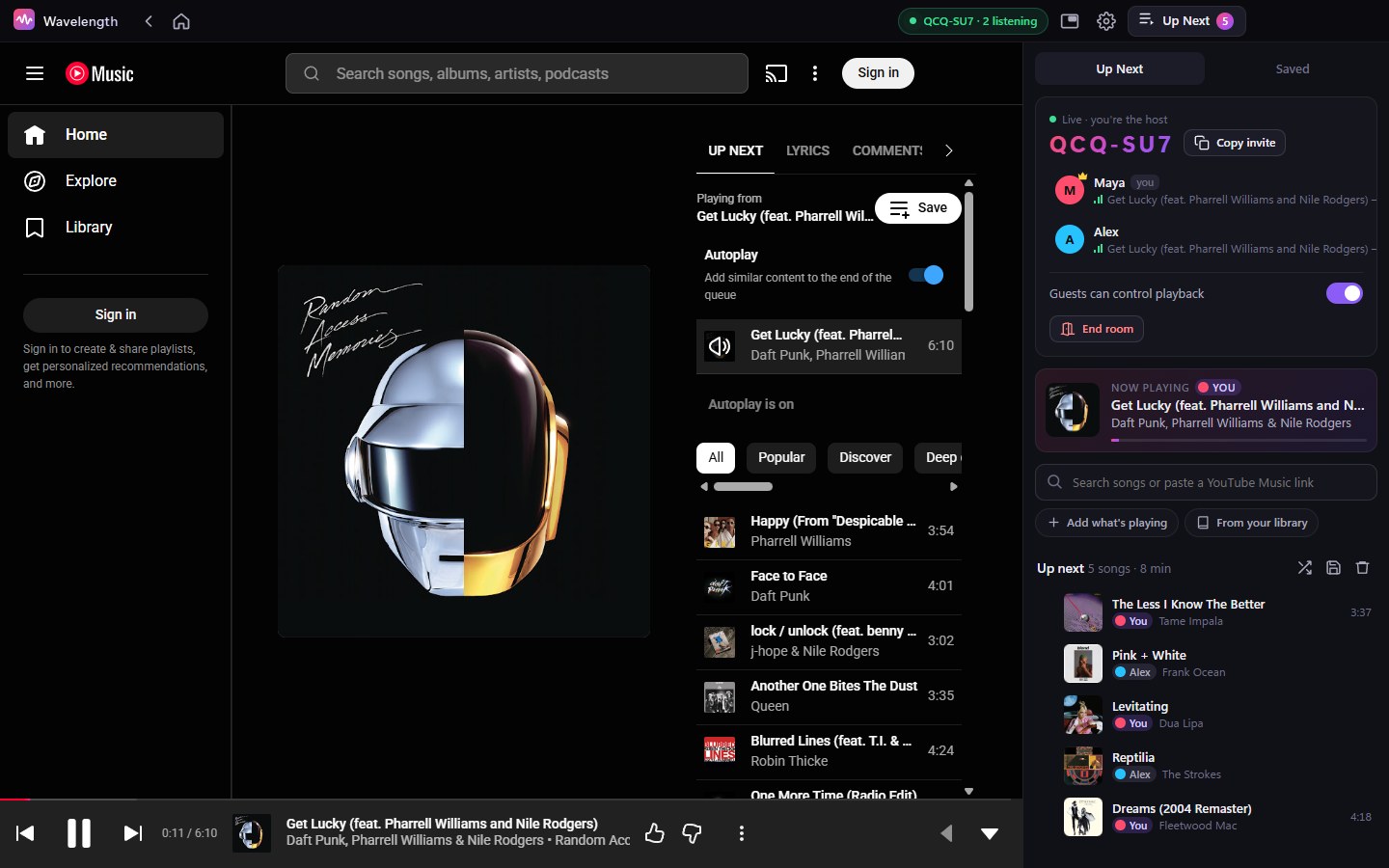
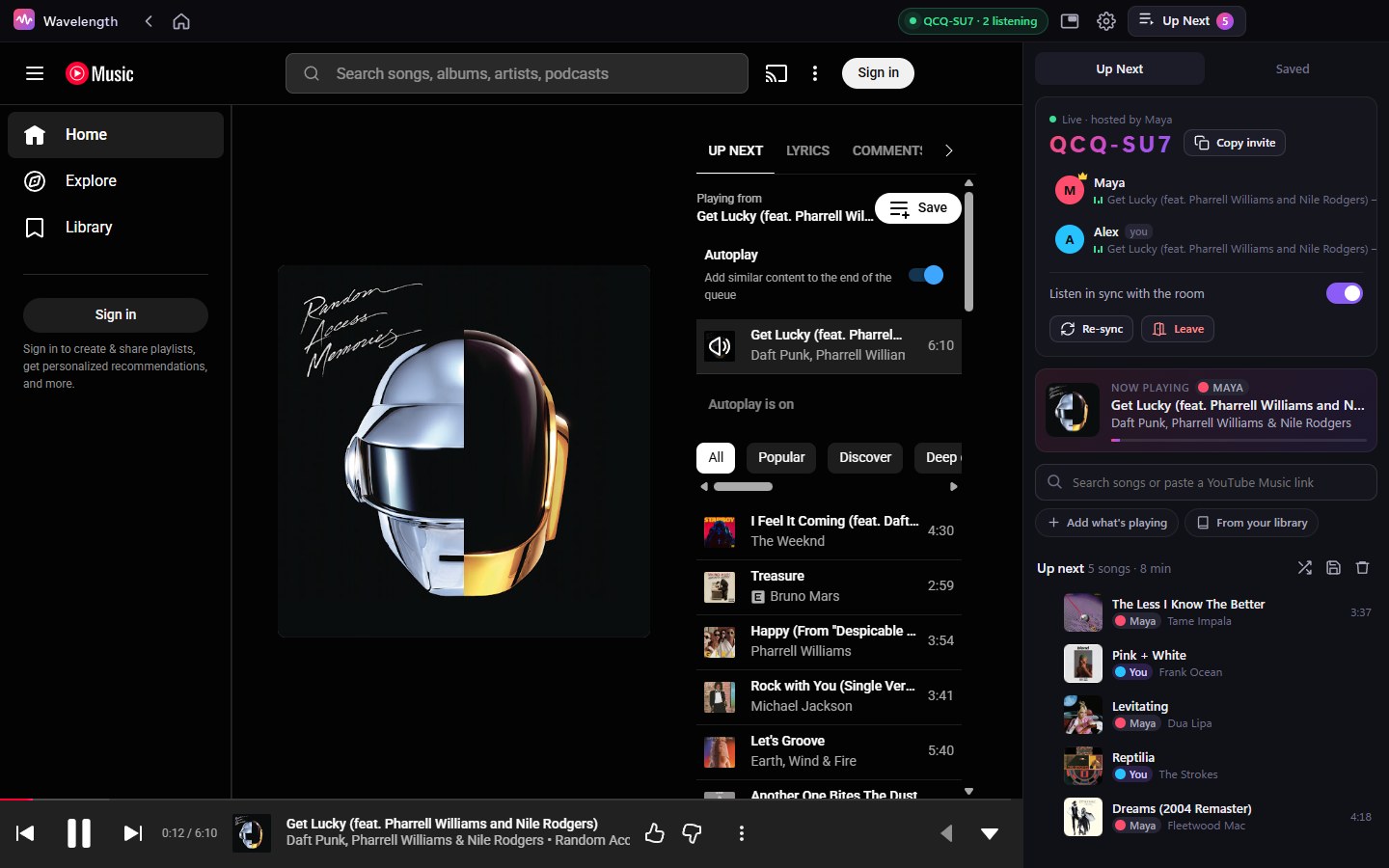
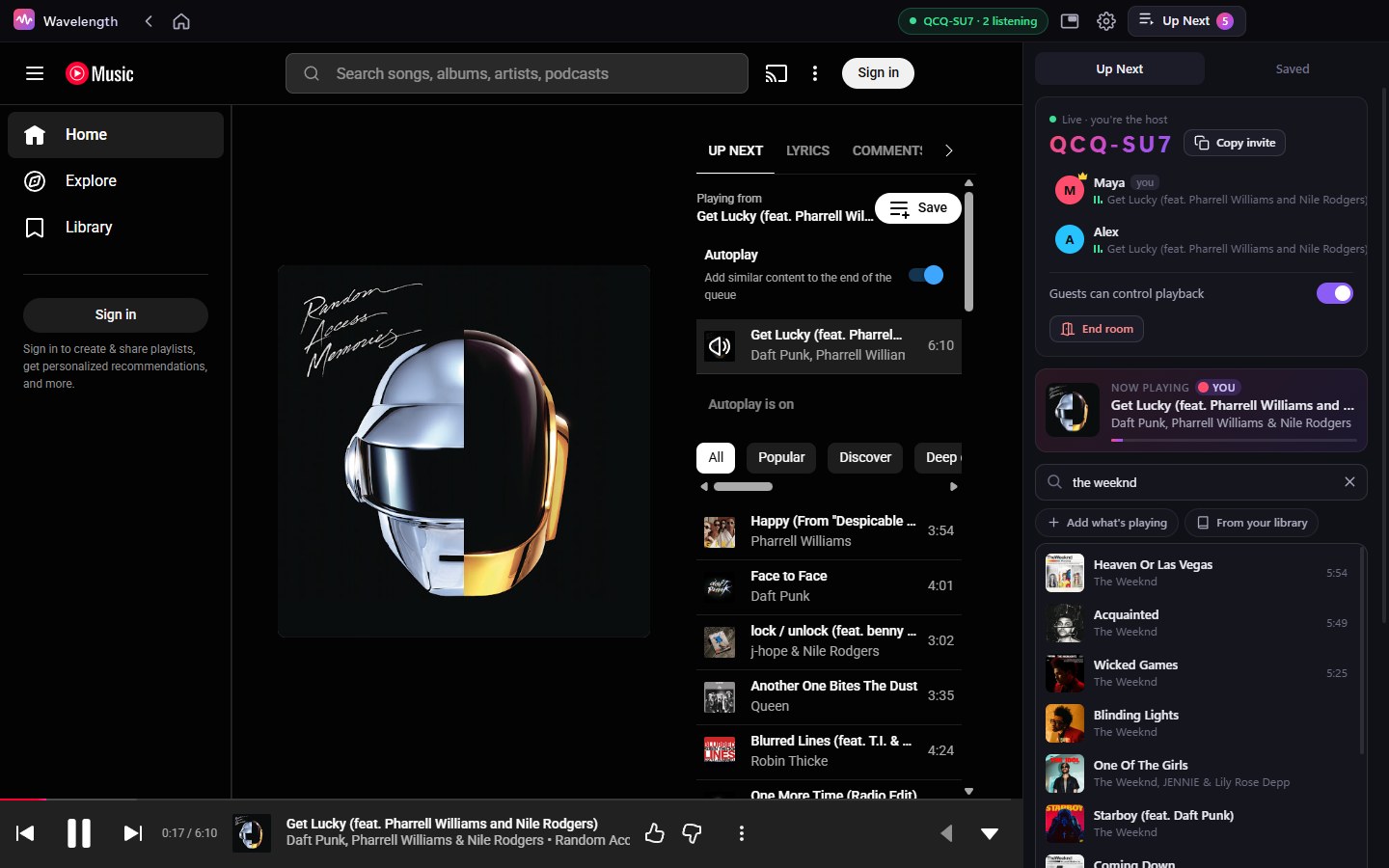
A free public matchmaking server (PeerJS) introduces the computers, then they talk to each other directly. If a direct connection isn't possible (strict routers, phone hotspots, Starlink, school or work networks), Wavelength switches to a relay within a few seconds: room messages go through several free public MQTT servers at once, encrypted with a key made from the room code, so the servers can't read them. Only room messages travel between you: song IDs, the queue, play/pause and names. No music is streamed between computers; each person plays from YouTube Music themselves.
A friend can't join my room.
Check the code, that your room is still open, and that you're both on version 1.2 or newer (Settings shows the version). Since 1.2, networks that block direct connections fall back to the encrypted relay automatically. If joining still fails, both of you can set Settings → Room connection → Always relay.
Will the ad blocker always work?
It works today, but YouTube changes how ads work often. If an ad ever gets through, Wavelength mutes it, presses Skip as soon as it can, and shows a countdown so you know the music is coming.
How do I set up the Discord bot?
Create an app at the Discord Developer Portal, copy its bot token (Bot → Reset Token), then in Wavelength open Settings → Discord bot: paste the token, turn the bot on and press Add to server. Optionally paste your server's ID so the slash commands appear instantly. The bot is online while Wavelength is open, and in voice it plays exactly what Wavelength plays.
How does it update?
Wavelength checks its GitHub releases a few times a day and downloads new versions in the background, usually just a few MB. A Restart to update button appears when it's ready. If an update ever fails to start, Wavelength goes back to the version that worked. You can turn automatic updates off in Settings. (Coming from 1.0? Install 1.1 once by hand; it updates itself from then on.)
What does Wavelength collect?
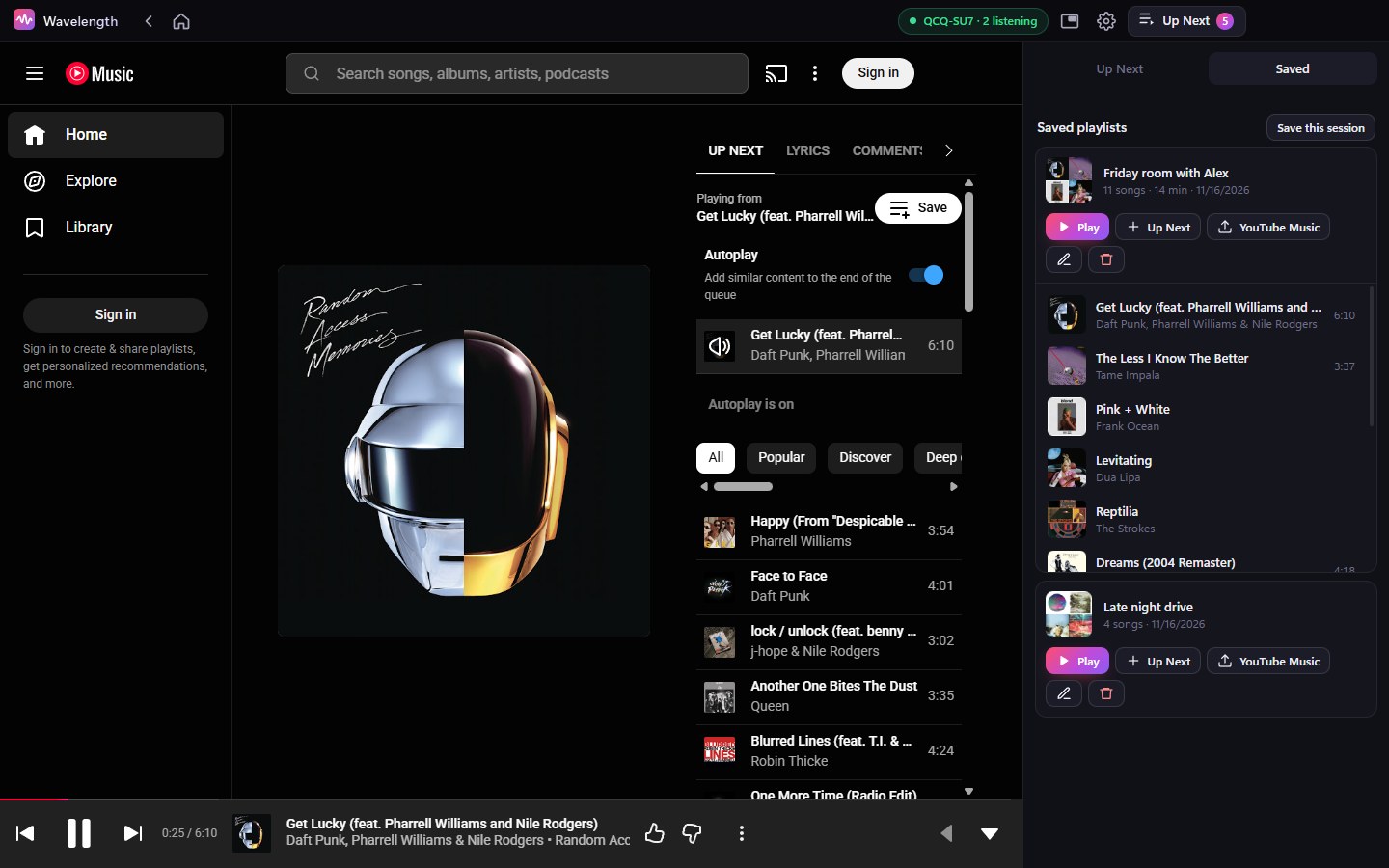
Nothing. No accounts, no analytics. Your settings and saved playlists stay on your PC.